WooCommerce search, fixed.
Plain-English guides on why store search fails, how semantic search compares to the keyword plugins you already know, and how to stop losing buyers to empty results pages.
 Comparison
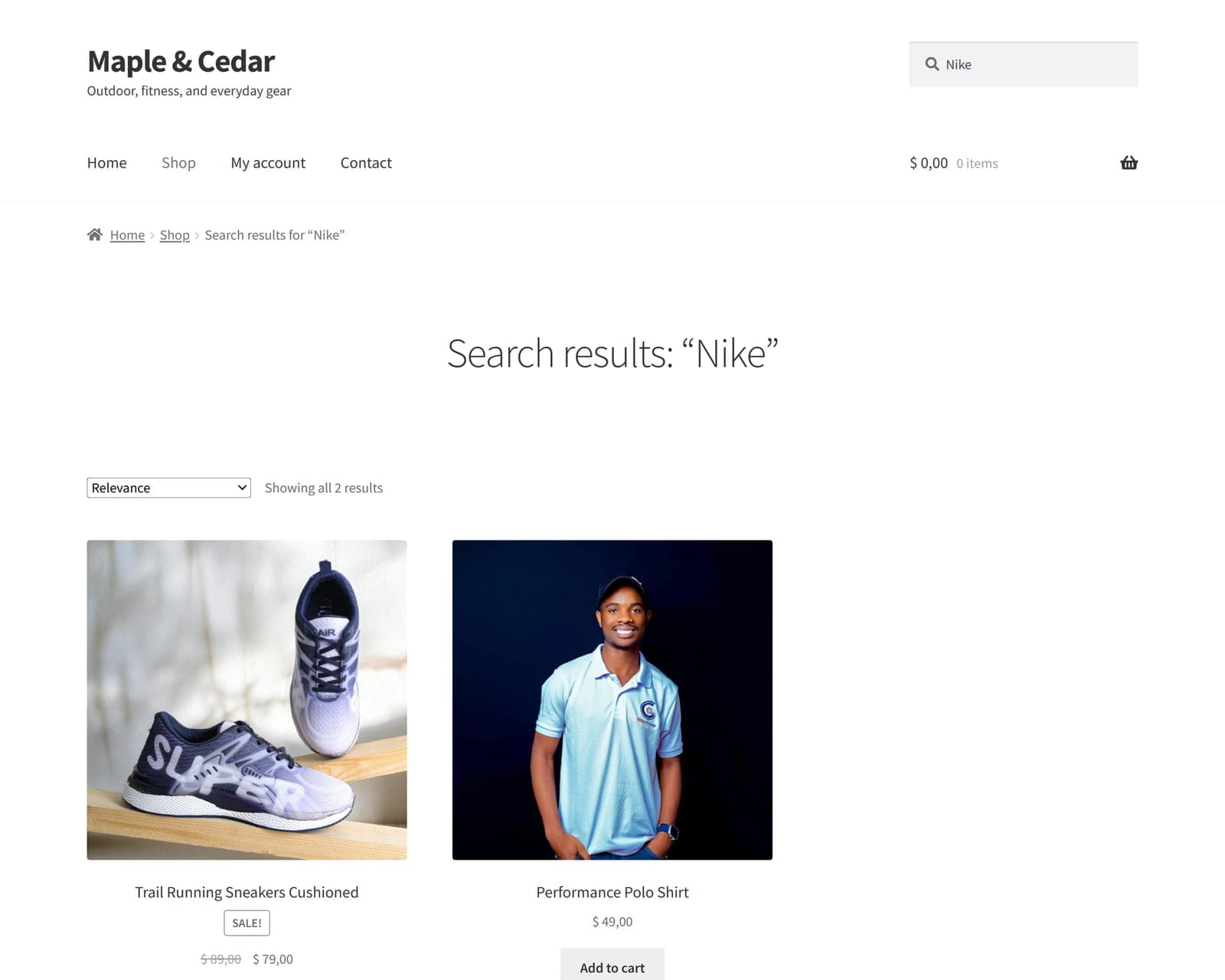
FiboSearch vs FindAstra: keyword search vs true semantic search for WooCommerce
FiboSearch is one of the best keyword-search plugins for WooCommerce. FindAstra matches by meaning instead of words. Here's an honest side-by-side on price, accuracy, and how each one works under the hood.
Read the guide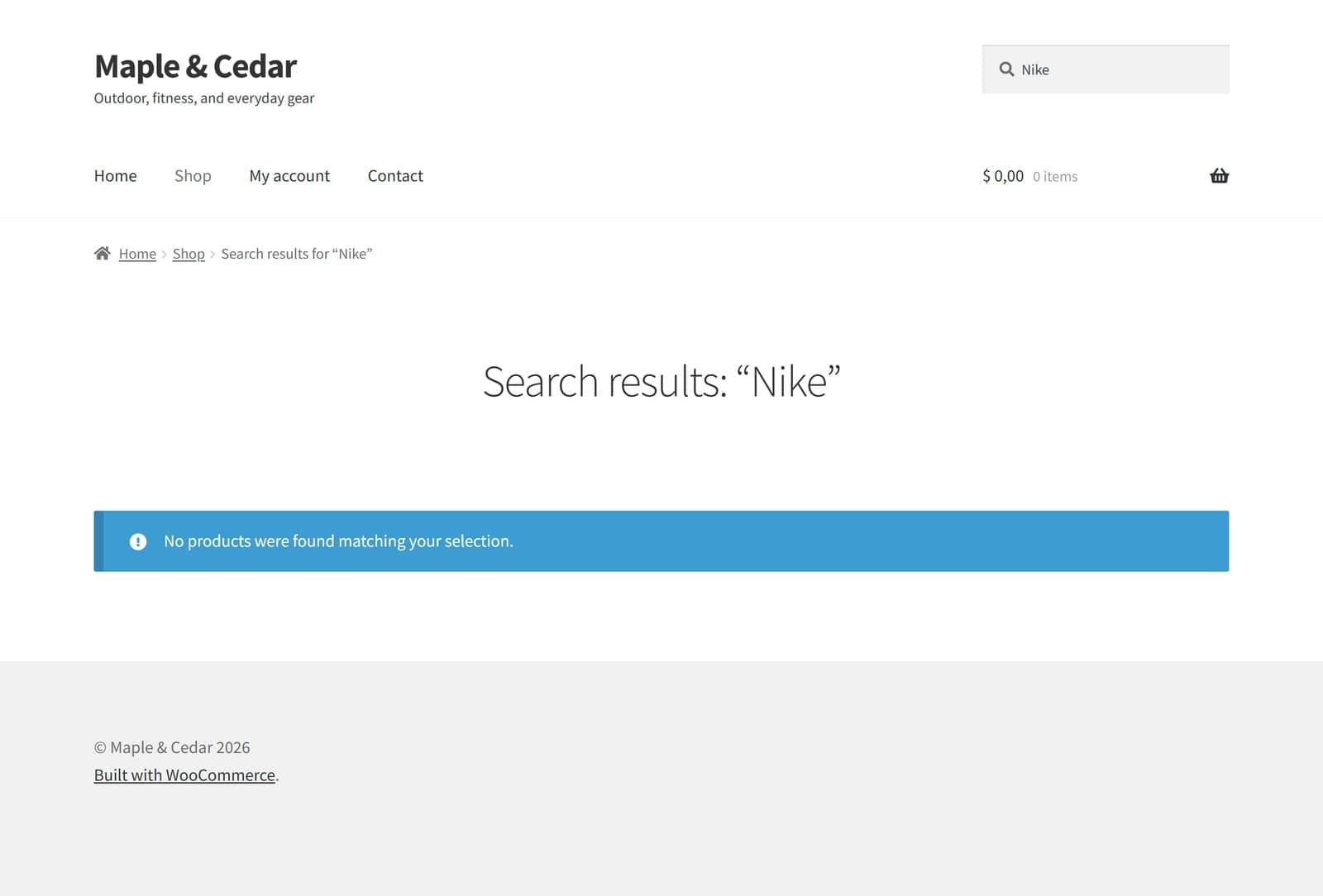 Troubleshooting
Why WooCommerce search returns “No products found” (and how to fix it)
That “No products were found” page usually doesn't mean you're out of stock — it means default WooCommerce search only matches exact words. Here's how to diagnose why, and five fixes from quick to permanent.
Read the guide Guide
GuideSemantic search vs keyword search: what's the difference for e-commerce?
Keyword search matches words; semantic search matches meaning. For a store, that's the difference between a search for “something to keep my coffee hot” finding your travel mug — or returning nothing. A plain-English guide with real examples.
Read the guide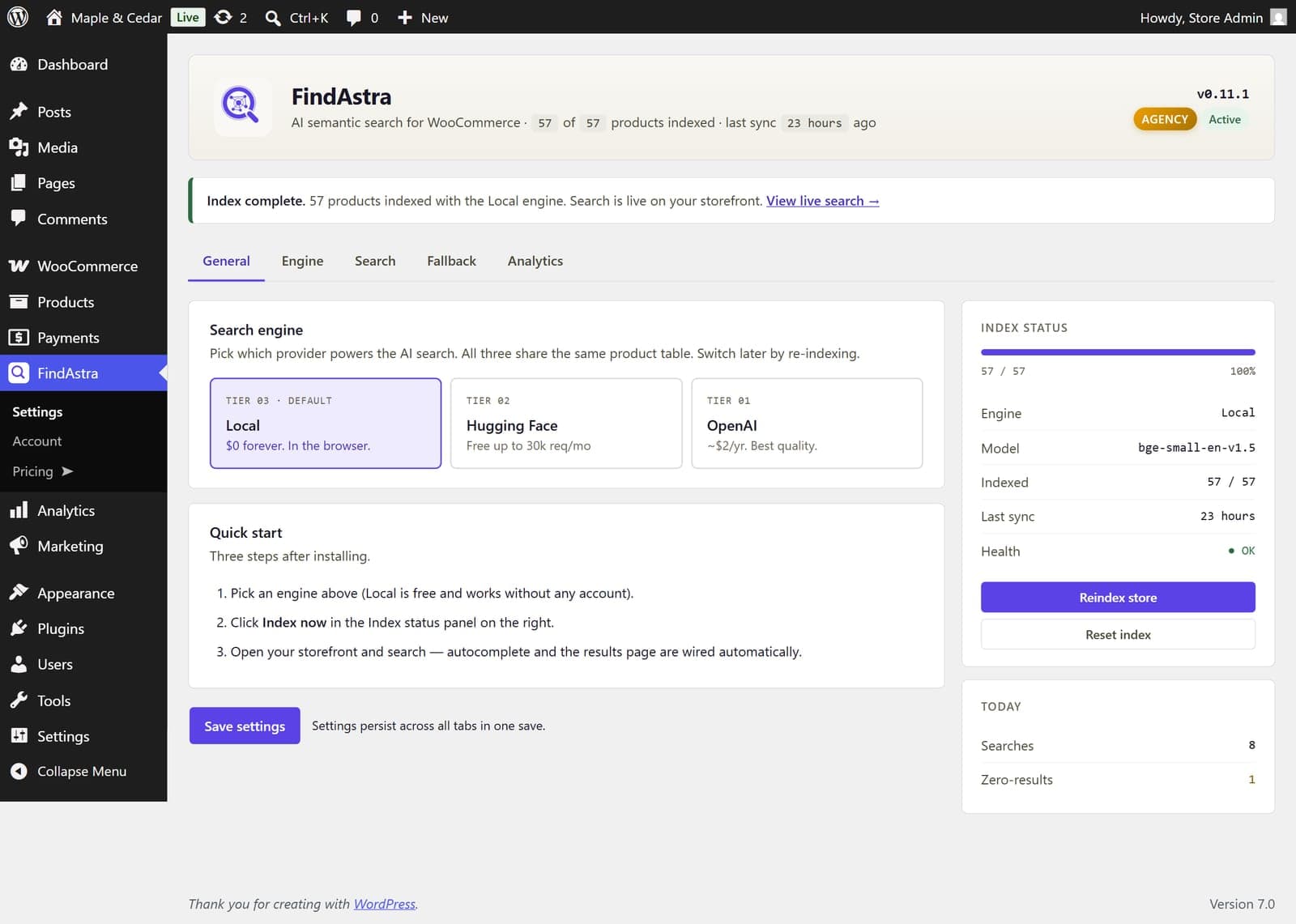 Tutorial
How to add AI semantic search to WooCommerce in under 5 minutes
You can add semantic search to WooCommerce in about three minutes — install the plugin, pick an engine, click Index. No API key, no theme edits. Here's the full four-step walkthrough with screenshots.
Read the guide- Troubleshooting
WooCommerce product search not working? 9 causes and how to fix each one
Most “broken” WooCommerce search comes down to one of nine causes — and the last one isn't a bug at all. Here's the top-to-bottom diagnostic checklist, with the fix for each.
Read the guide  Guide
GuideWooCommerce semantic search: what it is and how to add it in minutes
Semantic search matches products by meaning, so “something to keep my coffee hot” finds your travel mug. What it is, what it actually costs (from $0), and the three-minute WooCommerce setup.
Read the guide